
Seven mapping pitfalls routinely create unhappy franchisees and messy FDDs. Here’s how to fix each with a repeatable playbook.
1) Designing with circles instead of travel time
Why it’s a problem: Distance isn’t the same as accessibility. A 3‑mile ring can be 5 minutes in a suburb or 20 downtown.
Fix: Build territories with drive‑time polygons based on real road networks and typical conditions.
2) Building on ZIP Codes
Why it’s a problem: ZIPs are postal routes that change and don’t cleanly map to polygons.
Fix: Avoid ZIPs for boundary definitions; if required for ops, use Census ZCTAs as a proxy, version the list, and mirror it in Item 12.
3) Sizing on stale or noisy data
Why it’s a problem: Decennial counts age; ACS samples can be noisy for small areas.
Fix: Use an annually updated gridded dataset (LandScan or WorldPop) for base population and document the vintage; use ACS for attributes with MOE awareness.
4) No population parity
Why it’s a problem: Equal geographic area ≠ equal opportunity.
Fix: Define a population threshold and grow drive‑time polygons until each territory reaches the target.
5) Ignoring competitive gravity
Why it’s a problem: Two nearby units cannibalize each other; so do strong competitors.
Fix: Evaluate competitor POIs and, where available, use gravity models (e.g., Huff) to understand overlap risk before awarding.
6) Leaving Item 12 silent on alternative channels
Why it’s a problem: If HQ, marketplaces, or brand.com can sell into a territory, franchisees need to know.
Fix: Ensure Item 12 addresses internet and alternative channels explicitly and that your award packet shows how this interacts with the map.
7) Not archiving territories
Why it’s a problem: Without a dated shapefile/PDF, renewals and transfers re‑litigate boundaries.
Fix: Export and store both GIS and human‑readable artifacts with source and parameters.
Putting It All Together in Population Explorer
Start with a candidate address and generate drive‑time options (10/15/20 minutes).
Apply a population threshold using LandScan or WorldPop to equalize potential.
Overlay competitors and check for cannibalization risk.
Export artifacts and attach them to the award record; replicate the rules in Item 12.
Conclusion
Territories that sell fast and stand up later aren’t accidents—they’re the product of a clear method. Move from circles and ZIPs to drive‑times, gridded population, and documented rules.
Next step: Explore our Franchise Territory Mapping solution and request a working session with our team.
Explore expert articles, eCommerce guides, and the latest updates to help your business grow smarter and sell better with Unistore.
Mar 20, 2026
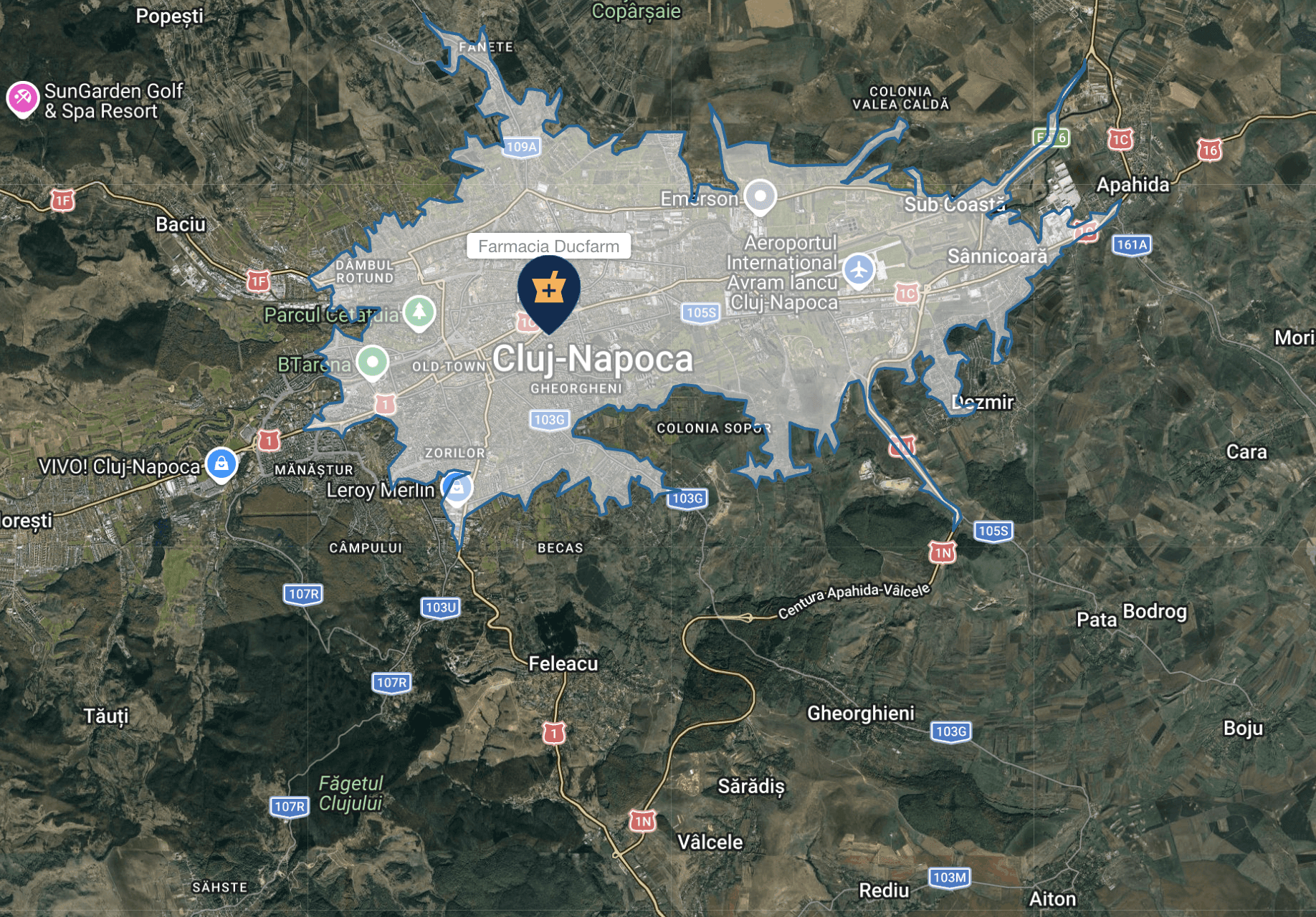
How to Choose Retail Store Locations (Step-by-Step Guide)
A practical, step-by-step guide to retail site selection. Learn how to evaluate locations, analyze trade areas, and use data to choose high-performing store locations.
Mar 5, 2026
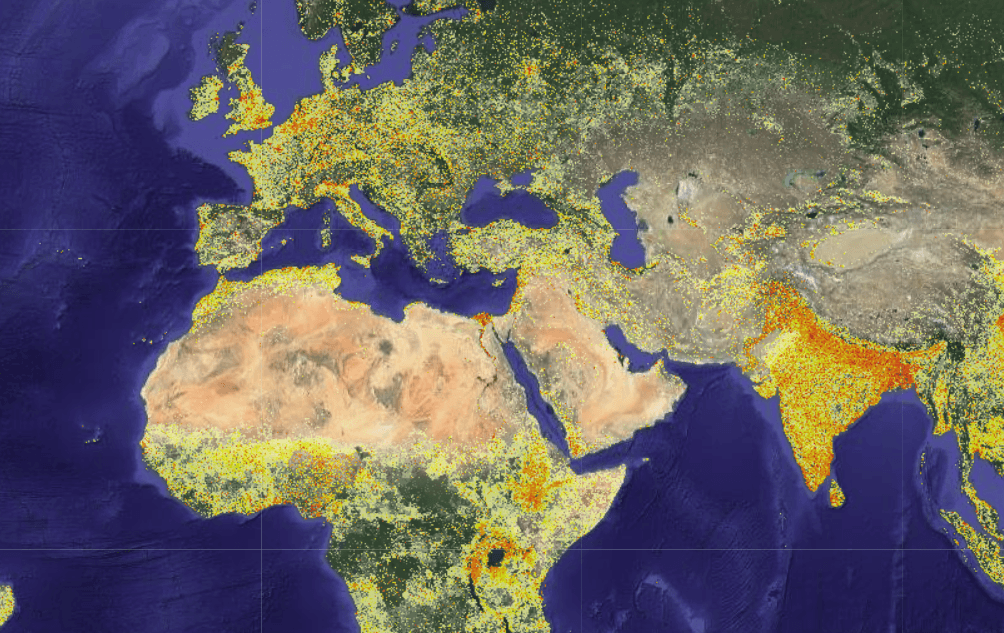
Introducing WorldPop in Population Explorer: 100m Global Population Data
Population Explorer now includes WorldPop, a high-resolution global population dataset designed to model population distribution more precisely than traditional demographic grids.
Dec 25, 2025
Common Mistakes in Franchise Territory Mapping (and How to Avoid Them)
Seven mapping pitfalls routinely create unhappy franchisees and messy FDDs. Here’s how to fix each with a repeatable playbook.
